How this page works
The editor holds the same blocks the real PlotBot offers on its phone page: pen down, go 20 mm forward, turn 90°, repeat four times. Everything hanging under the "Los" ("go") block is the program. Next to it (below it on a phone) you see the robot from above: its base plate, both pairs of arms and the pen.
Press "Draw it" and the arms trace your program. Before that, a dashed line shows what will be drawn; red dots are off the sheet. "Load an example" has ready-made programs such as a house, a star and a flower. Nothing leaves your browser: the page doesn't talk to a robot and doesn't save anything.
The blocks and their messages are in German, just like on the robot itself.
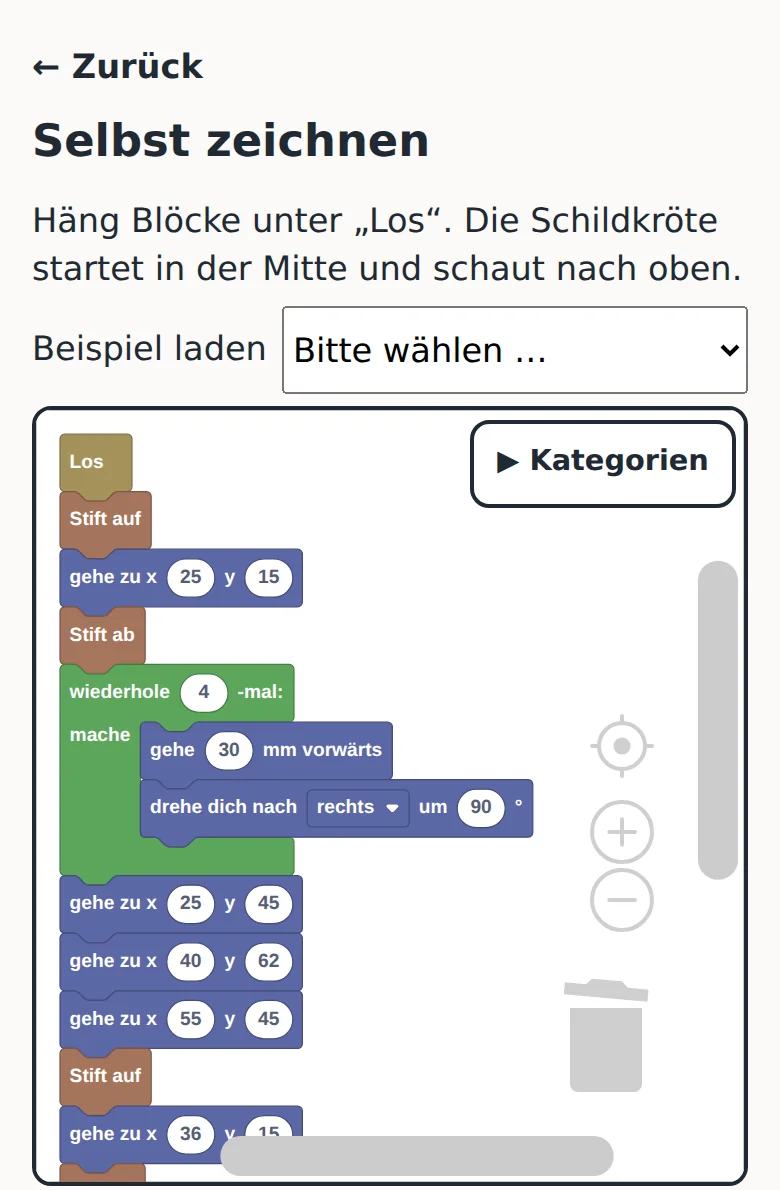

Your program
Attach blocks under "Los". The turtle starts in the middle, facing up. The categories on the left open the blocks.
The real PlotBot works the same way
PlotBot serves these blocks from its own phone page, with no internet needed. There, "Zeichnen lassen" sends the program to the robot and the pen moves across the paper. The PlotBot-Kit shows you how to build the robot.